Building AutoCalendar
How I built a small app that turns natural language and images into Google Calendar updates.
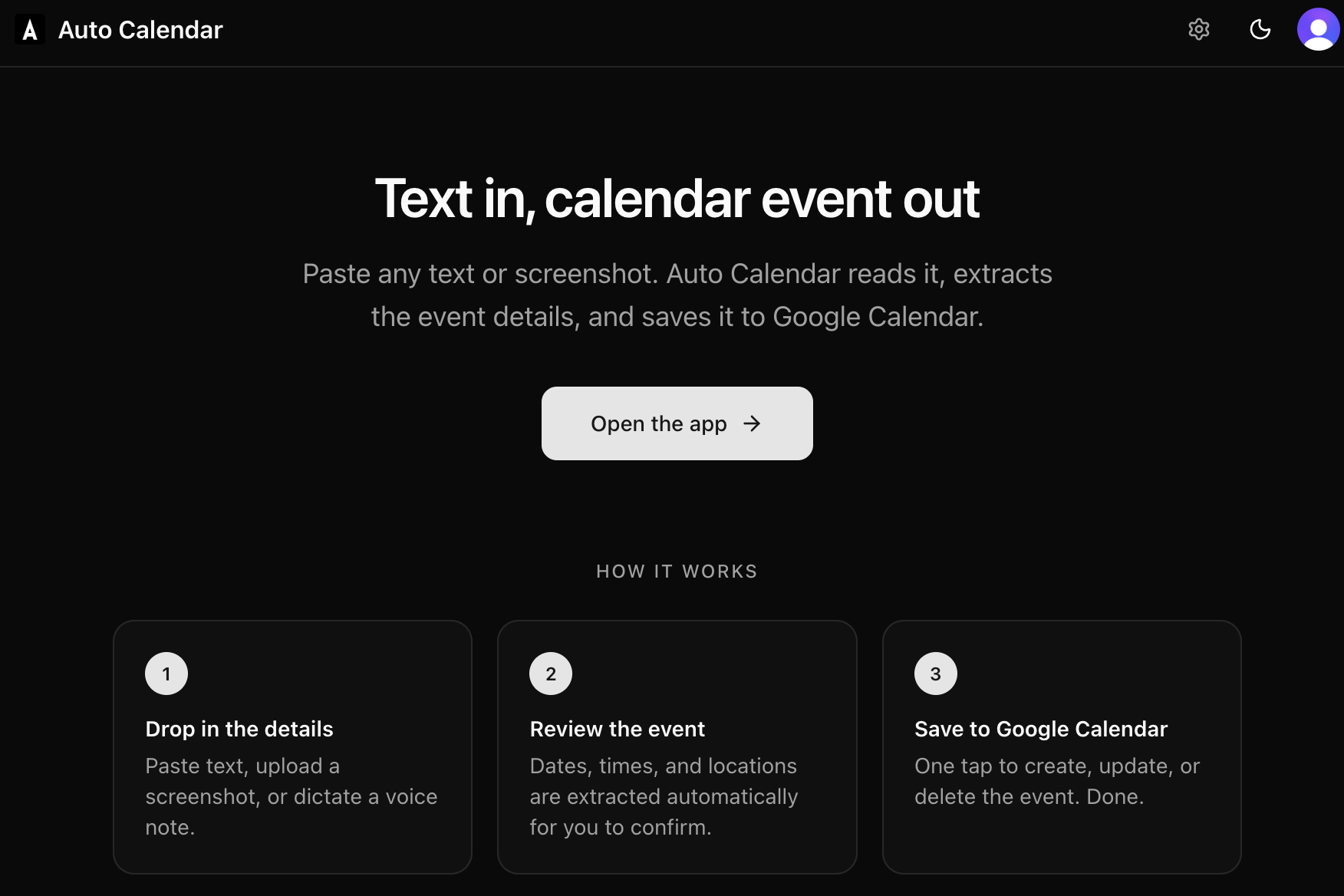
Scheduling is easy, but the repetition adds up. I kept making the same batch of reminders for my kids' preschool show-and-tell, adding my wife to each event, and copying the same details over and over. With modern LLMs and function calling, it finally felt feasible to build a small tool for my own workflow. Development speed is up, costs are down, and it's now realistic to spin up something custom like this.
I tried using the Claude and ChatGPT apps with MCP, but they could not write directly to Google Calendar. That was the blocker, and it was the reason I built AutoCalendar.app.
It's a Next.js app that lets you manage Google Calendar using natural language and images, with an optional preview screen when I want to double-check changes.
The product in one sentence
AutoCalendar.app lets me manage Google Calendar with natural language + images, with an optional preview step.
The primary modes are:
- Ask: "What meetings do I have Thursday afternoon?"
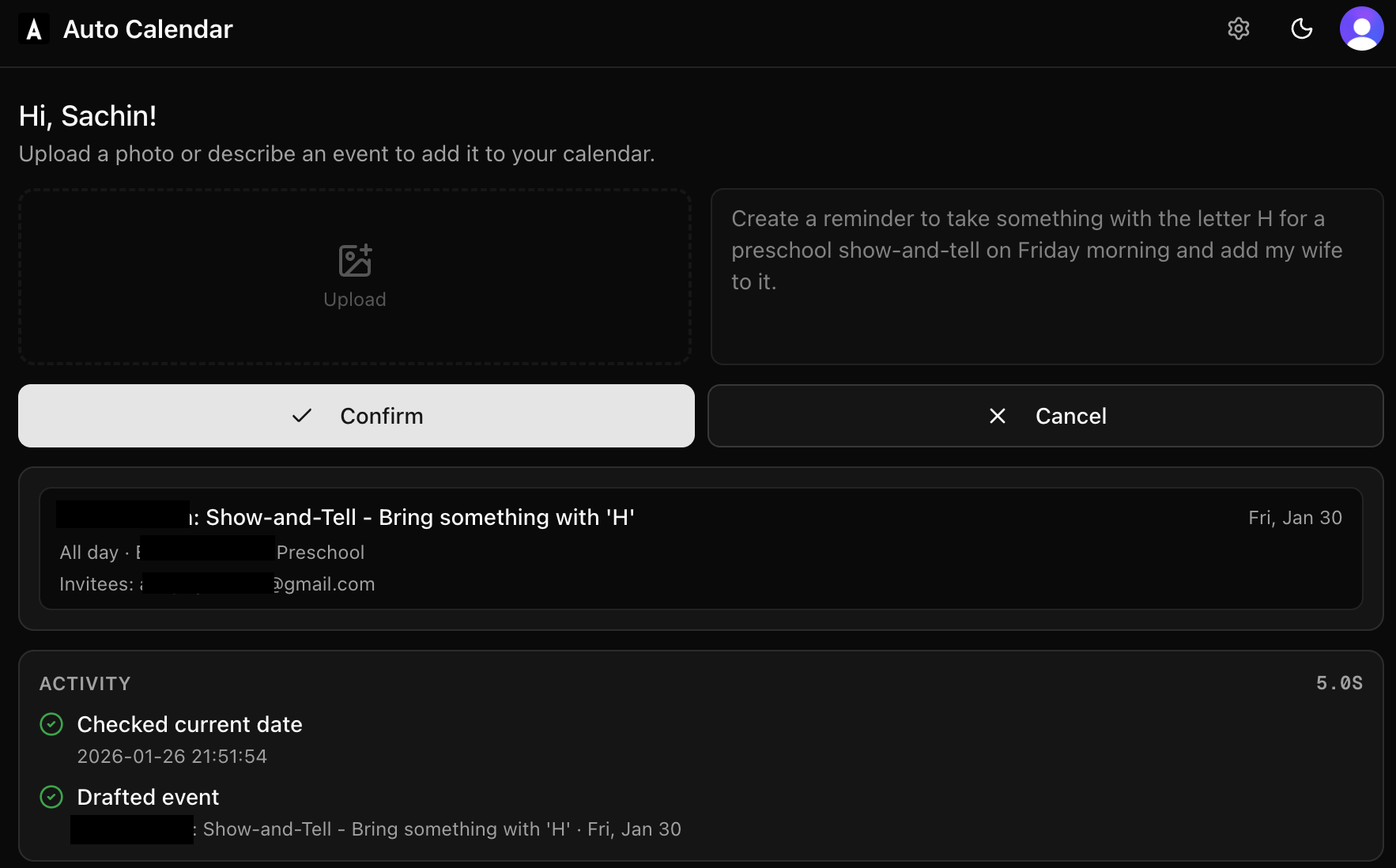
- Preview: "Add show-and-tell reminders for next month and add my wife."
- Agent: "Create those events and invite my wife."
Images are just another input. Drop a flyer screenshot and it will draft or create the event.
One endpoint, three modes
Everything runs through a single API route: POST /api/process.
The server decides how to interpret the request based on mode:
- Ask: read-only questions about your calendar
- Preview: interpret the request and show the changes it would make
- Agent: execute the request and write to Google Calendar
I added Preview during development so I could see the exact changes before anything happened. In practice, the agent is accurate enough that I rarely use Preview now.
Streaming progress with SSE
Calendar actions take multiple steps: parsing input, calling tools, checking conflicts, drafting events, and finally writing to Google. I stream progress with Server-Sent Events (SSE) so I can see each step and how long it took. It is much nicer than staring at a spinner.
User context without a database
This was my first time using Clerk user metadata, and it ended up being a perfect fit. I needed a tiny amount of per-user context, like:
- spouse or family emails for invites
- regular dinner time
- kids' school or preschool details
- preferred meeting length
Clerk gives you 8 KB per user out of the box, which is plenty for this use case. It let me avoid setting up Postgres entirely and still inject personal context into system prompts from the Settings page.
The AI layer
The model sits behind a small tool surface:
create_eventupdate_eventdelete_eventlist_eventssearch_eventsget_current_date- optional web search (for ambiguous venue details)
I validate tool inputs with Zod and pass user context like working hours, preferred meeting lengths, and timezone. I also pass the timezone from the client on every request so phrases like "tomorrow morning" and "next Friday" land where you expect.
Model choice and reliability
This is my first project using the Vercel AI SDK, mainly because I want the option to go multi-provider later. In practice, I saw a surprisingly high number of errors with GPT-5.2, so I switched to GPT-4.1. It has been rock-solid for me, and a typical request takes around five seconds end-to-end.
Web search for better invites
One fun addition was a web search tool. You can say, "Create an event for the Super Bowl with the team names," and the app will look up the date and teams before drafting the invite. Without search, the LLM cannot reliably fill in those details.
The architecture
AutoCalendar is a full-stack Next.js 16 app with React 19. The high-level shape is:
- Clerk middleware for protected routes and Google sign-in
- Google OAuth token retrieval inside API routes
- Vercel AI SDK orchestration with OpenAI
gpt-4.1 - A
gcal.tswrapper around Google Calendar v3
Build speed and tooling
This project took about four hours end-to-end. I used the latest coding CLIs (Claude Code and Codex CLI via Conductor), and I would estimate 99.99% of the code was generated. I still edited and stitched it together to fit the product. Conductor is my favorite dev tool of the AI era and a brilliant wrapper on top of Claude Code and Codex that is just a joy to use.
Everything runs on free tiers, and it is already saving me time. I have been using the app consistently since it shipped.
If you want to try it, the app is live at autocalendar.app.
Continue Reading
A year with De Quervain's tenosynovitis
My year-long experience with De Quervain's tenosynovitis as a parent of three: what caused it, what actually helped, and why the advice to just rest it never worked for me.
How my LLM usage has evolved over time
How my LLM usage has evolved since the early days of ChatGPT